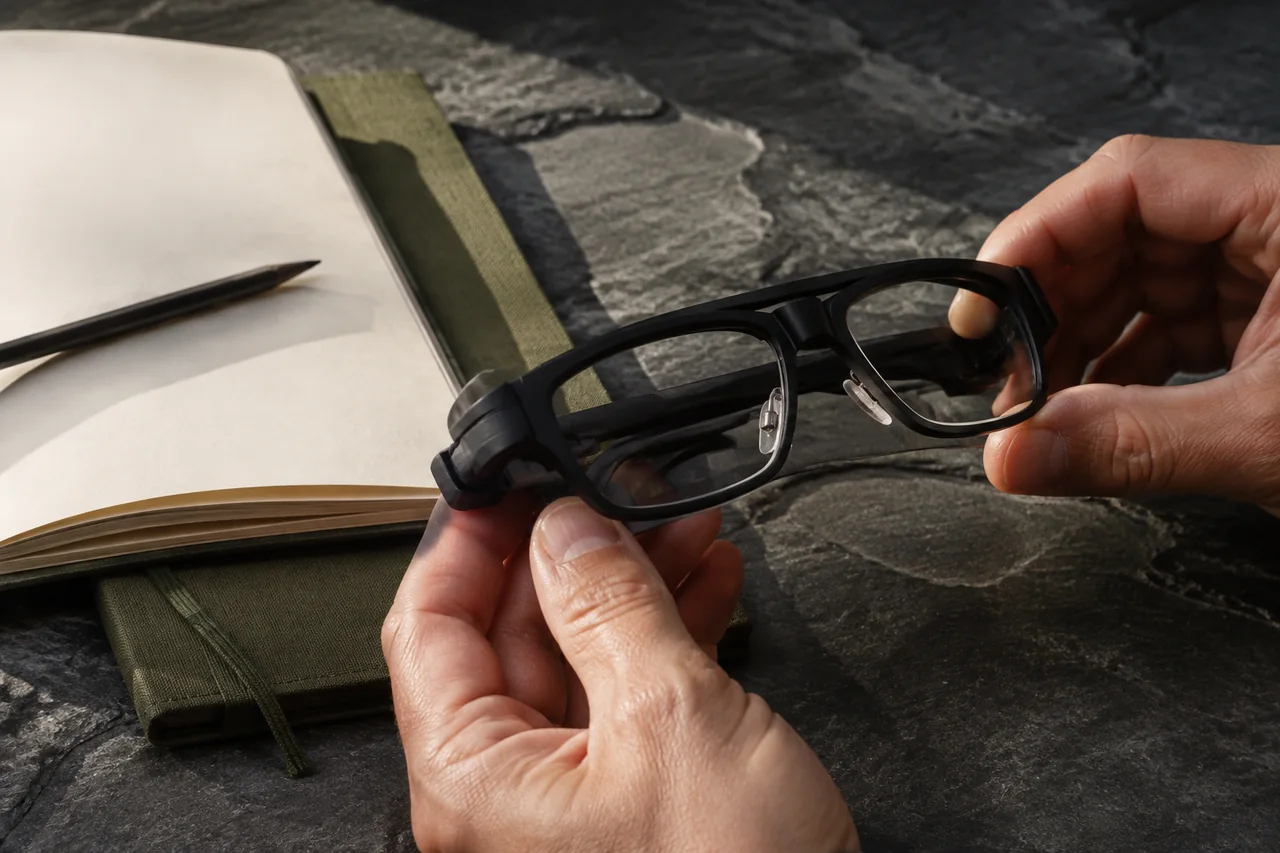
A wearable deserves consideration when it makes a specific task easier for the person doing the work. Start by identifying the interruption you want to remove: looking away to read a short instruction, stopping to capture a record, or asking a remote colleague to understand the situation. Then ask whether the proposed device actually supports that workflow.
The examples in this article are hypothetical evaluation tasks. They do not assert that every pair of smart glasses has a camera, a display, remote assistance or enterprise software.
1. Describe the task before the category
Consider a controlled maintenance-training exercise in which a participant needs to consult an approved sequence and confirm each step. Compare the proposed wearable workflow with the current phone, printed sheet or workstation. The purpose is to discover where the interruption occurs and whether changing the interface reduces it.
Keep the first task narrow. Specify the user, environment, information needed, completion condition and person who reviews the output. A list of many possible applications can hide the fact that none has been defined well enough to evaluate.
2. Confirm capabilities for the exact configuration
Write down the product edition, accessories, connected phone or computer, software version and account requirements. Ask which functions work locally and which depend on another device or an online service. If developer access or a custom application is required, obtain confirmation for that edition before committing to the integration plan.
Describe the information path. Where do instructions originate? How do they reach the wearer? What is recorded, if anything? Where does the result go? This map helps distinguish a working workflow from several attractive features that do not connect in the required way.
3. Put the wearer at the center of the trial
Include the people who will actually use the equipment. Ask about fit, readability, audio clarity, control effort and comfort during the intended task. Test the relevant duration and working posture. A short demonstration does not answer how the interaction feels over the expected work period.
| Trial question | Evidence to keep |
|---|---|
| Is the instruction usable? | Misread text, missed prompts and clarification requests |
| Can the user operate it? | Control attempts, interruptions and assistance needed |
| Does it fit the setting? | Lighting, noise, posture and practical fit observations |
| Does the workflow improve? | Completion time, corrections and review effort |
| Can it recover? | Steps after disconnection, low power or application failure |
| Will people keep using it? | Reasons for continued use, rejection or adaptation |
Respect the site’s equipment rules and have the responsible site team assess suitability. A wearable trial should not assume that a product replaces protective equipment or that any display is appropriate for every activity.
4. Include the connected system
Check charging, connectivity, user accounts, application access, device assignment and cleaning procedures. If capture is involved, define when it is permitted and how material is stored, accessed and deleted. Agree on what the wearer and nearby people can understand about the device’s activity.
Name the support owner. A working pair of glasses is of limited value if the connected application, account or local network becomes unavailable. Include a clear way to return to the existing workflow while a problem is resolved.
5. Compare the full working package
A quotation should identify the device, required accessories, software, recurring services, configuration, training and support. Separate the cost of a limited evaluation from any custom development and future rollout. Ask about replacement arrangements and whether the chosen configuration can be supplied consistently for the planned destination.
Keep the evidence tied to the tested configuration. If a later batch uses different software or accessories, decide which checks must be repeated. This makes the procurement record useful beyond the initial demonstration.
6. Turn interest into a clear requirement
Summarize one task, the intended users, expected duration, environment, system connections and acceptance criteria. Include unresolved capability questions rather than filling them with assumptions. The result should help a supplier tell you what is feasible and what needs further evaluation.
Use the AI procurement checklist and product comparison as starting points. For bilingual meeting notes, choose recorder vs glasses by consent optics first — then prove quality on a scorecard: meeting recorder vs smart glasses. Discuss a wearable requirement with CNPS, sharing the destination, task, sample quantity and timeline. Exact capabilities and commercial scope are confirmed for the selected configuration.